Products & knowledge
Organize SKUs, product images and selling points, then bring that knowledge into creation.
From product knowledge to content production, multi-account distribution and performance review. Each area has its own space, with context ready for the next step.
Product & knowledge linked
References · Looks · Video assets
Organize SKUs, product images and selling points, then bring that knowledge into creation.
Keep people and styling references together, and choose a suitable face for product content.
Configure your model providers to prepare batches of images, video and content tasks.
Ask the strategy Agent to draft from existing sales records or uploaded tables, then choose products, accounts and supported models to create production tasks.
Preview images, play video and manage outputs with local archives and cloud records.
Feishu and system tasks keep separate schedules while sharing accounts and environments.
Manage accounts, proxies and independent browsers with clear login, check and binding actions.
Account records save in the background. Sign in for your list and restore website state on demand.
 AI concept artwork · Feature illustration
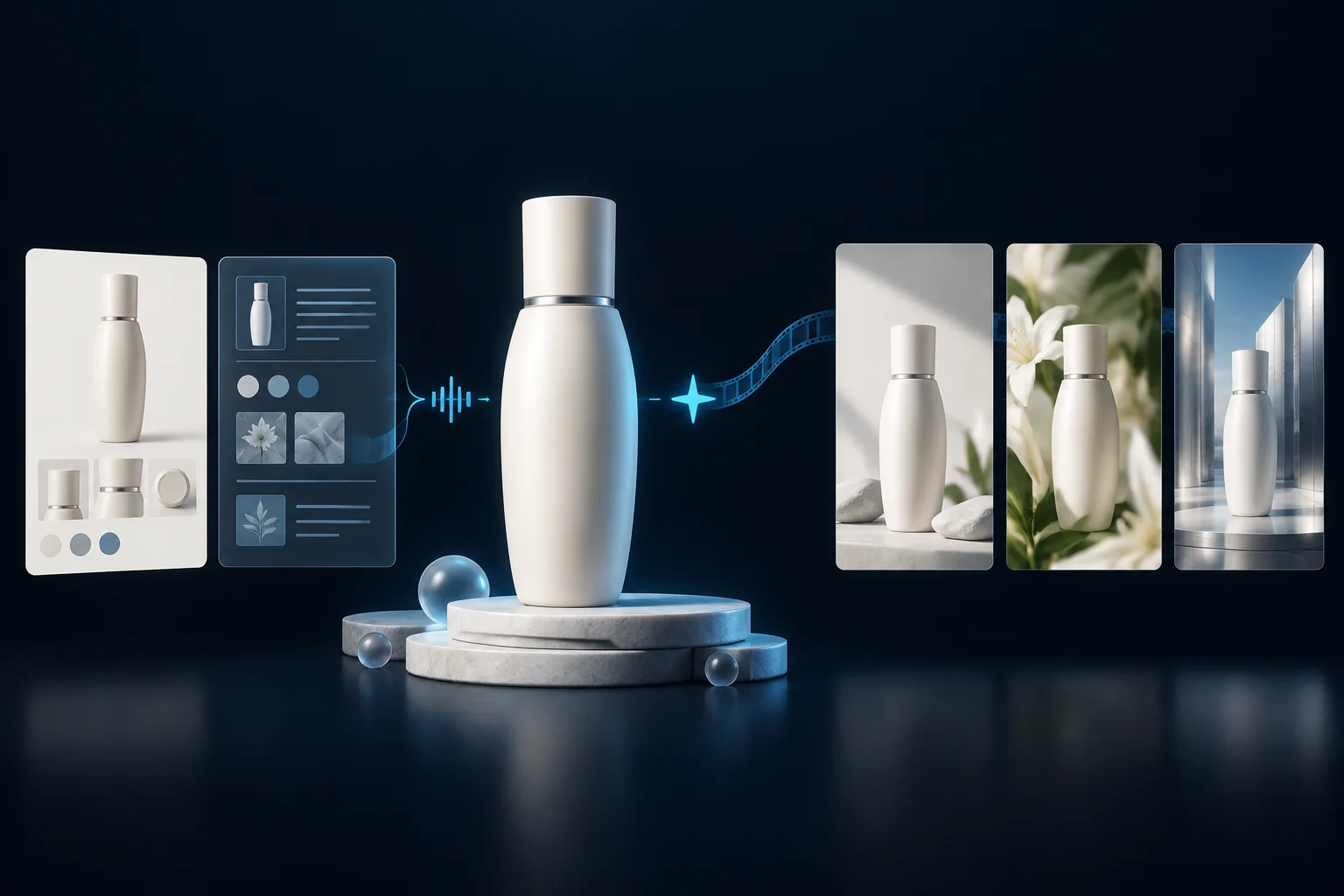
Use product images, knowledge and model looks as creative references. Prepare a batch, then allocate production and publishing quantities separately by product and account.
Choose the next step without leaving your prepared work behind.
Import or sync products, then add SKU images and knowledge.
Choose models, looks, providers and a content plan.
Review task outputs, preview media and keep your assets.
Use shared accounts with separate Feishu or system schedules.
Confirmed posts show success. Uncertain results need verification.
Use authorized performance data to plan the next round.
AI creation requires a configured model provider; shop data requires valid authorization. Costs and capabilities depend on the provider. Saving a draft does not start generation or publishing.
Start with current records while history and media continue loading in the background. Browsers and publishing run on your computer; saved website state restores when an environment opens on another device.
Account-isolated products, settings, schedules and saved website state.
Browsers, media processing and publishing run on your computer. Prepare local media per device.

Start with your products and accounts.