Products & knowledge
Organize SKUs, product images and selling points, then bring that knowledge into creation.
Connect product knowledge, AI creation, assets, accounts and publishing in one desktop workspace. Review sales data and prepare the next batch with your own model providers.
 AI concept artwork · Feature illustration
From product knowledge to content production, multi-account distribution and performance review. Each area has its own space, with context ready for the next step.
Product & knowledge linked
References · Looks · Video assets
Enable multiple Feishu bases for publishing, with independent field mappings and results routed back to their original source. Built-in simple templates use an explicit publishing status. Tasks without a scheduled date are excluded rather than treated as due today. Scheduling preserves the document’s calendar date across time zones, fixing a one-day-early shift. Network interruptions pause dispatch without switching off your setting; publishing resumes only after exclusive ownership is reconfirmed.
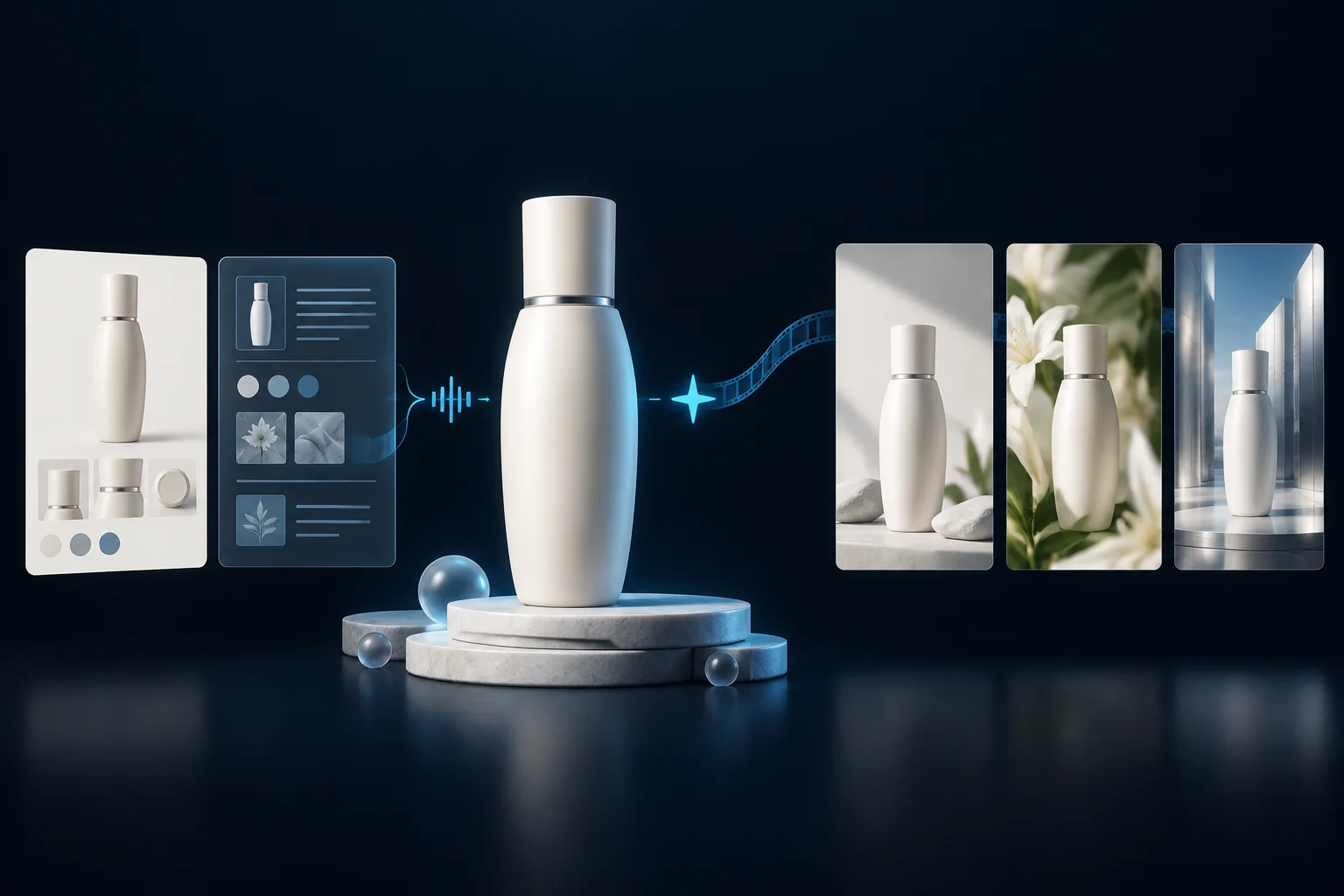 AI concept artwork · Feature illustration
Use product images, knowledge and model looks as creative references. Prepare a batch, then allocate production and publishing quantities separately by product and account.
From product knowledge to content production, multi-account distribution and performance review. Each area has its own space, with context ready for the next step.
Organize SKUs, product images and selling points, then bring that knowledge into creation.
Keep people and styling references together, and choose a suitable face for product content.
Configure your model providers to prepare batches of images, video and content tasks.
Ask the strategy Agent to draft from existing sales records or uploaded tables, then choose products, accounts and supported models to create production tasks.
Preview images, play video and manage outputs with local archives and cloud records.
Feishu and system tasks keep separate schedules while sharing accounts and environments.
Manage accounts, proxies and independent browsers with clear login, check and binding actions.
Account records save in the background. Sign in for your list and restore website state on demand.
Choose the next step without leaving your prepared work behind.
Import or sync products, then add SKU images and knowledge.
Choose models, looks, providers and a content plan.
Review task outputs, preview media and keep your assets.
Use shared accounts with separate Feishu or system schedules.
Confirmed posts show success. Uncertain results need verification.
Use authorized performance data to plan the next round.
Start with current records while history and media continue loading in the background. Browsers and publishing run on your computer; saved website state restores when an environment opens on another device.
Account-isolated products, settings, schedules and saved website state.
Browsers, media processing and publishing run on your computer. Prepare local media per device.
What to know before your first installation and publishing task.
Windows x64 is the current desktop release. An unsigned Apple Silicon Mac development preview is listed separately on the download page. Intel Mac, Linux and mobile installers are not available.
Install Astrion, open the registration screen and use email or Google. Email registration requires confirming the message sent to your inbox.
Choose “Forgot password” in the app, enter your email and follow the recovery link. The page lets you set a new password.
No. Feishu and system modes have separate tasks and schedules and share the accounts in your account list. They can run together; browser environment management is also available independently.
Start with your products and accounts.